
Start with a question you can act on
Opening a report and looking for anything interesting can consume an afternoon. Pick a question first: are service pages reaching relevant searches, did a rewritten article change, or which pages need a clearer next step? The answer should lead to an action someone owns. Otherwise, the review becomes a ritual of watching numbers without changing the website.
Compare like with like
Use equal-length periods and keep weekday patterns in mind. Look at a page group rather than combining articles, service pages and branded searches into one conclusion. Note publication dates and important site changes so a shift has context. A difference between periods is an observation, not proof that your last edit caused it. Several changes can affect the same reporting window.
Read the page behind the query
When a page receives relevant impressions but little attention, inspect the page and its title together. Does it answer the question the search suggests? Does the opening paragraph help someone decide whether to keep reading? Avoid adding a term repeatedly simply because it appears in a report. A useful edit improves the answer or makes the page purpose clearer.
Leave with three tasks or fewer
For each task, record the page, the observation, the proposed change and when you will review it again. Keep a copy of the previous wording if that helps interpret later results. The CoreBiz Search Console project has a live workspace linked from its project page; check the available reporting range and access requirements there. Use the workspace to support decisions rather than treating a dashboard as the decision itself.
A sample review note worth keeping
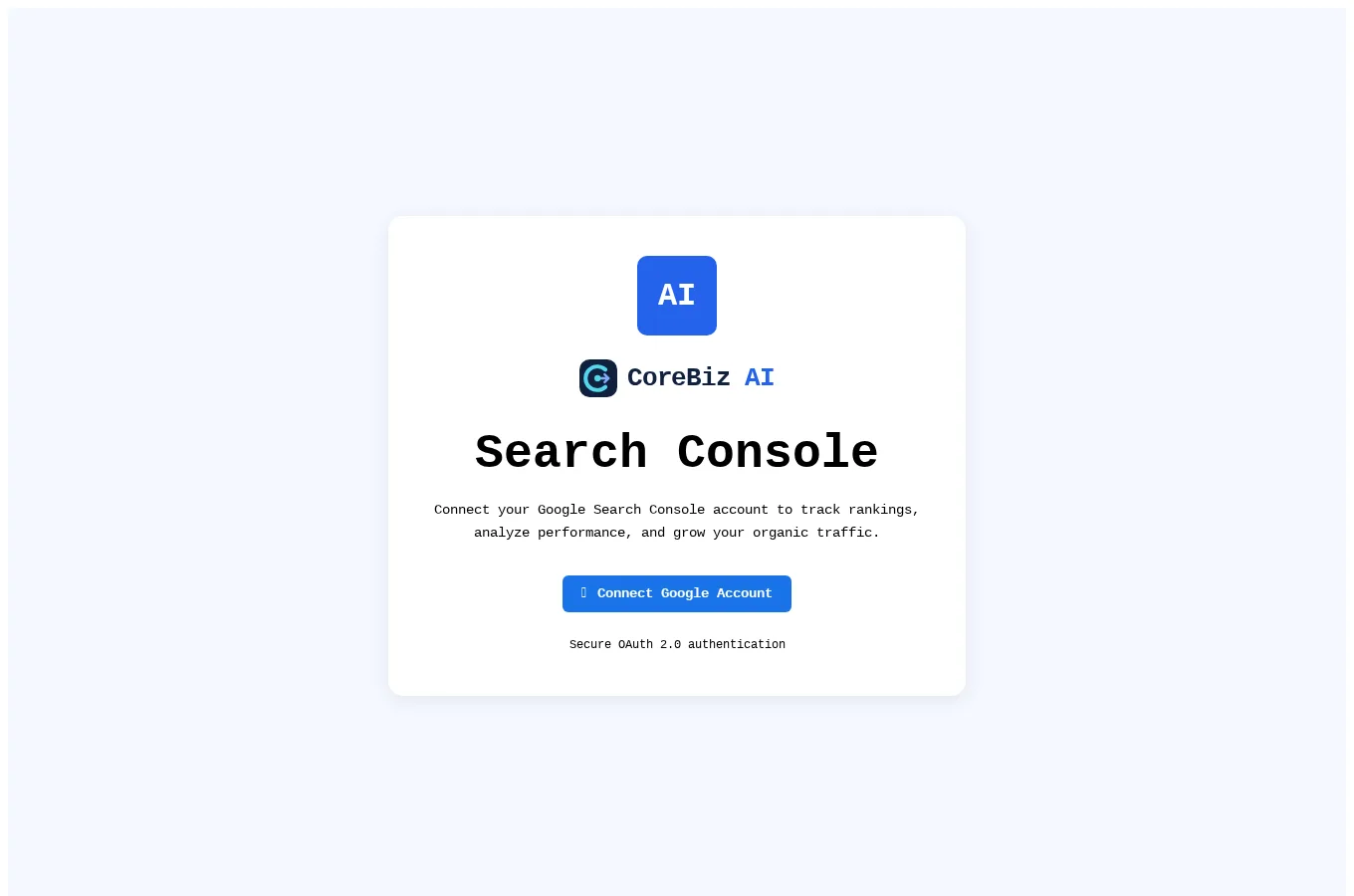
Use this as a structure, not a claim about CoreBiz traffic. The screenshot below shows the public connection step only. You need an authorized Google account and access to the property before any private reporting can be inspected.
- Observation: one service page receives relevant impressions but its opening copy does not answer the question clearly.
- Change: rewrite the opening explanation and connect it to one appropriate project example.
- Review: compare equivalent later periods, noting other edits and keeping the previous text available.
Turn the weekly review into a small set of decisions
Separate the business question from the report export
Begin by choosing what you want to understand. A service-page review might ask whether relevant searches are reaching the right explanation. A content review might ask which existing guide deserves a clearer example. Choose the corresponding page group before looking at totals. An export is useful when it supports that comparison, but the spreadsheet itself is not the outcome. Keep a short note describing the question, selected pages and period. That note makes the next review easier to interpret and prevents a team from treating every change in a site-wide total as the same kind of problem.
Check the period and page mix before explaining a change
Compare equivalent windows and note whether the same kinds of pages are included. A newly published article can change the mix of queries and impressions without indicating that an existing service page improved. Record major edits, new pages and known business seasonality beside the observation. Do not turn a coinciding increase into a claim of causation. If a reporting tool limits the available date range, say so in the review note. A smaller, honestly described comparison is better than presenting incomplete history as a view of the entire site performance.
Read the search question beside the destination page
Open the page and ask whether it answers what the query appears to request. Look at the title, opening explanation and relevant sections together. A broad service introduction may not help a reader looking for the inputs needed before an ERP integration discussion. An edit could add a specific checklist and a relevant project link rather than repeat the query more often. Keep the difference between improving relevance and forcing keywords into the text clear. The best proposed change should make sense to a reader even if they never see the Search Console report that inspired it.
Keep a change log that supports the next review
Write an observation, an action and a review point
For each selected page, record what you observed, why you think the edit helps and what you will inspect later. Preserve the old wording where a comparison would be useful. Limit the action list so someone can complete and review it rather than accumulating an endless backlog. Include enquiry quality or another business outcome when you have an appropriate measurement process, but do not assume every visit should convert immediately. Educational articles can help readers understand a problem before they are ready to discuss a service. Keep those different purposes visible when judging the usefulness of a page.
Frequently asked questions
Should we rewrite a title after one quiet week?
A single short period may not provide enough context. Check the query mix, page purpose and relevant changes first. Make a title change when you can explain how it improves clarity, then allow a meaningful later comparison rather than repeatedly editing from day to day.
Can a screenshot prove our search performance?
Only a suitable, authorized report with defined scope could support a performance observation. The public CoreBiz screenshot shows the Google connection screen, not traffic or rankings. Never use that interface image as evidence of a measured improvement.
A fictional weekly note that leads to a better page
Suppose the selected reporting window shows relevant searches reaching a service page, but the page opens with a broad statement about innovation. A useful observation is that the opening does not explain the specific implementation question those searches suggest. The proposed change might add the information needed before a discovery call and a short worked example. Record that hypothesis without claiming the report proves why readers behaved as they did. Then preserve the previous wording so the later review has context.
At the next review, compare an equivalent window and note other changes, including newly published articles or a different query mix. Check whether the revised page now answers the question clearly even if the traffic figures have not moved noticeably. If enquiries are measured through an appropriate process, inspect their relevance as well as the number of visits. Avoid changing the same title repeatedly in response to every short-term movement. A review habit becomes more useful when it produces a documented decision and a reasoned follow-up rather than a series of unrecorded edits.
- Write the page, observation and proposed improvement together.
- Preserve context about other site changes.
- Evaluate the answer quality as well as the later numbers.
Explore related CoreBiz AI resources
The links below connect this guide to the relevant CoreBiz service and project. Check the project page for its current features and access requirements before using the live tool.
Prepared with AI assistance. Business and learning scenarios are illustrative; no customer results, hiring outcomes or performance guarantees are implied.
Discuss a focused implementation
Explore the service scope and share the process you want to improve.
Explore this service